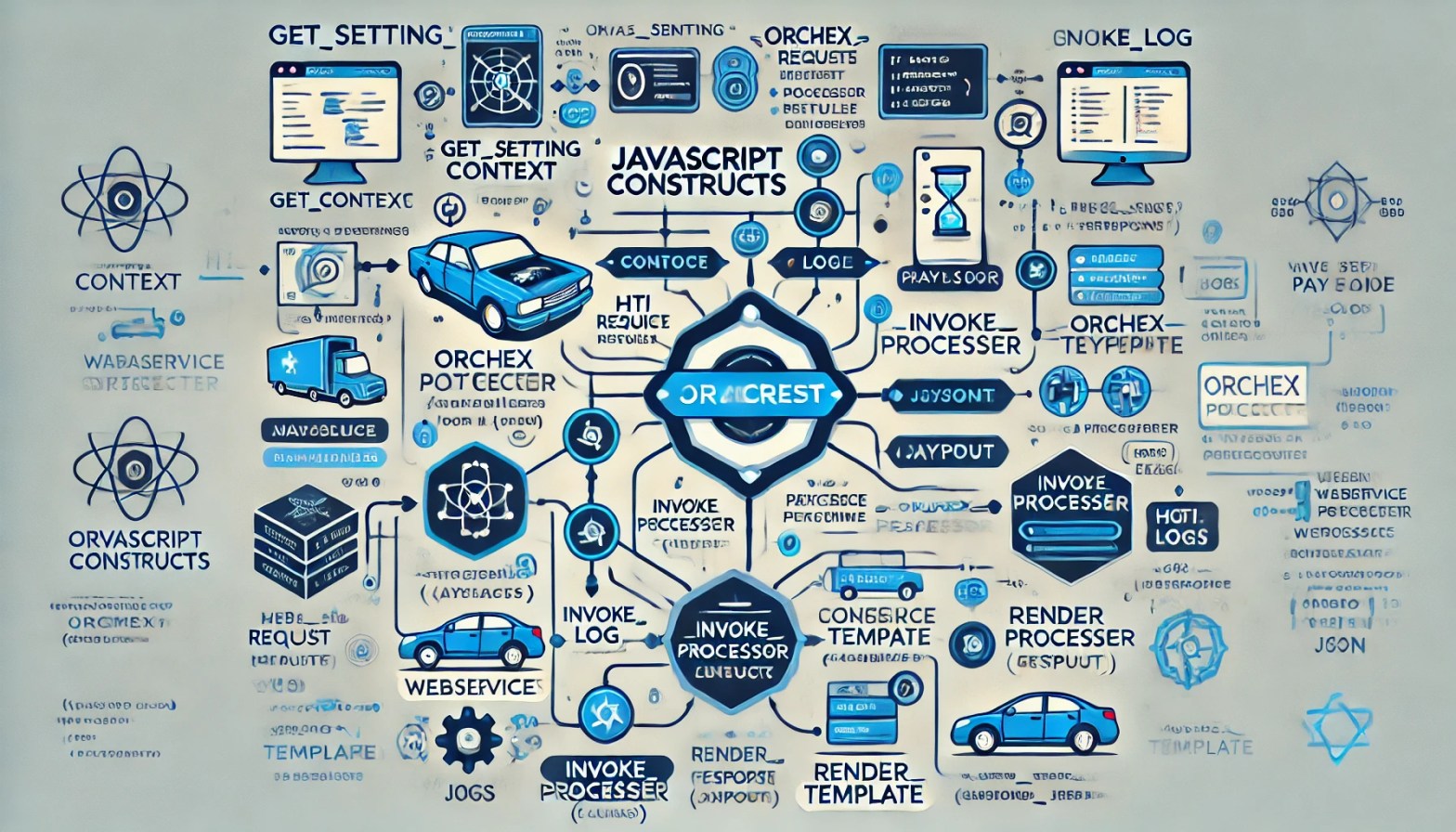
This blog post describes constructs available to JavaScript fragments running in the Orchex Enterprise Orchestration Engine.
Update 15.Dec.2025: After years of frustration with WordPress, I am finally abandoning this blog. The content will likely stay here for some time, but new content will appear here:
Before proceeding, see:
There really aren’t many JavaScript constructs in Orchex, although we may add more over time.
orchex_context
Orchex defines the orchex_context variable that contains a JSON representation of the current orchestration context. This JSON provides information about the HTTP request (if any) that initiated the orchestration process and other processors that have run already to implement that process.
orchex_payload
Orchex defines the orchex_payload variable to contain the JSON payload for the orchestration process. The payload represents both the input and the output of the orchestration process. You define the format of your input and output payloads, although you should not use the root key orchex that Orchex uses for its input parameters and debug responses.
This is the structure that Orchex reserves for input currently:
{
  "orchex": {
    "debug": true,
    "verbose": true,
    "disable_caching": true
  }
}
Here is an example response that includes orchex_context in order to show its structure and how it includes the output of processors invoked previously.
{
  "orchex": {
    "context": {
      "created_at": "2025-02-04T12:33:27.355893658Z",
      "debug": true,
      "http_request_info": {
        "headers": {
          "accept": "*/*",
          "content-length": "146",
          "content-type": "application/json",
          "host": "127.0.0.1:3030",
          "user-agent": "curl/8.5.0"
        },
        "host": "127.0.0.1:3030",
        "json_body": {
          "orchex": {
            "debug": true,
            "disable_caching": true,
            "verbose": true
          }
        },
        "path": "/processors/demo-math-c/invoke",
        "port": null,
        "query_params": {}
      },
      "key": "0dc39fe7-703c-47b3-8410-b12353fc6d75",
      "orchex_processors": {
        "demo-math-a": {
          "output_json": {
            "a": 5
          },
          "processor": "demo-math-a",
          "status": "Success"
        },
        "demo-math-b": {
          "output_json": {
            "b": 7
          },
          "processor": "demo-math-b",
          "status": "Success"
        }
      },
      "verbose": true
    }
  },
  "response": {
    "result": 12
  }
}
Including orchex_context in the response of a processor can be useful for troubleshooting. Here is the postrunscript that generated that response:
a = orchex_context.orchex_processors['demo-math-a'].output_json.a;
b = orchex_context.orchex_processors['demo-math-b'].output_json.b;
sum = a + b;
response = {'response': { 'result': sum}};

if (orchex_context.debug) {
  response.orchex = { context: orchex_context };
}

result = response;"
orchex_response
An orchestration processor that invokes a webservice API sets orchex_response to The JSON response from the webservice API.
invoke_processor()
Pass a processor identifier, a context, and a payload to invoke a processor and receive its response, which will not appear on orchex_context.
console.log()
JavaScript virtual machines do not run in a browser and so provide no native console. Orchex implements console.log() in Rust. Depending on configuration, values sent to this function appear in Orchex logs and server console output, but could also appear in orchex_context for debugging purposes. Currently, Orchex does not implement any other functions of console, although log() can pretty-print JSON automatically.
get_setting()
This function is another callout to Rust that gets the value of an Orchex setting.
render_template()
This callout to Rust processes Handlebars templates.
 deliverystack.net
One thought on “-Orchex JavaScript Constructs”